Deep twin-turbo snarl, crackles on every lift and a wastegate pshh.
Change the scenery
15+ signature sounds Speed-reactive sound & sceneryUPDATED Build your own in Sound Studio Your connected audio
MORE THAN A SOUND EFFECT
Same car. More ways to love it.
Make something original. Make an entrance. Make the everyday drive a little more fun.
YOUR SOUND. YOUR CREATION.
The best sound? Yours.
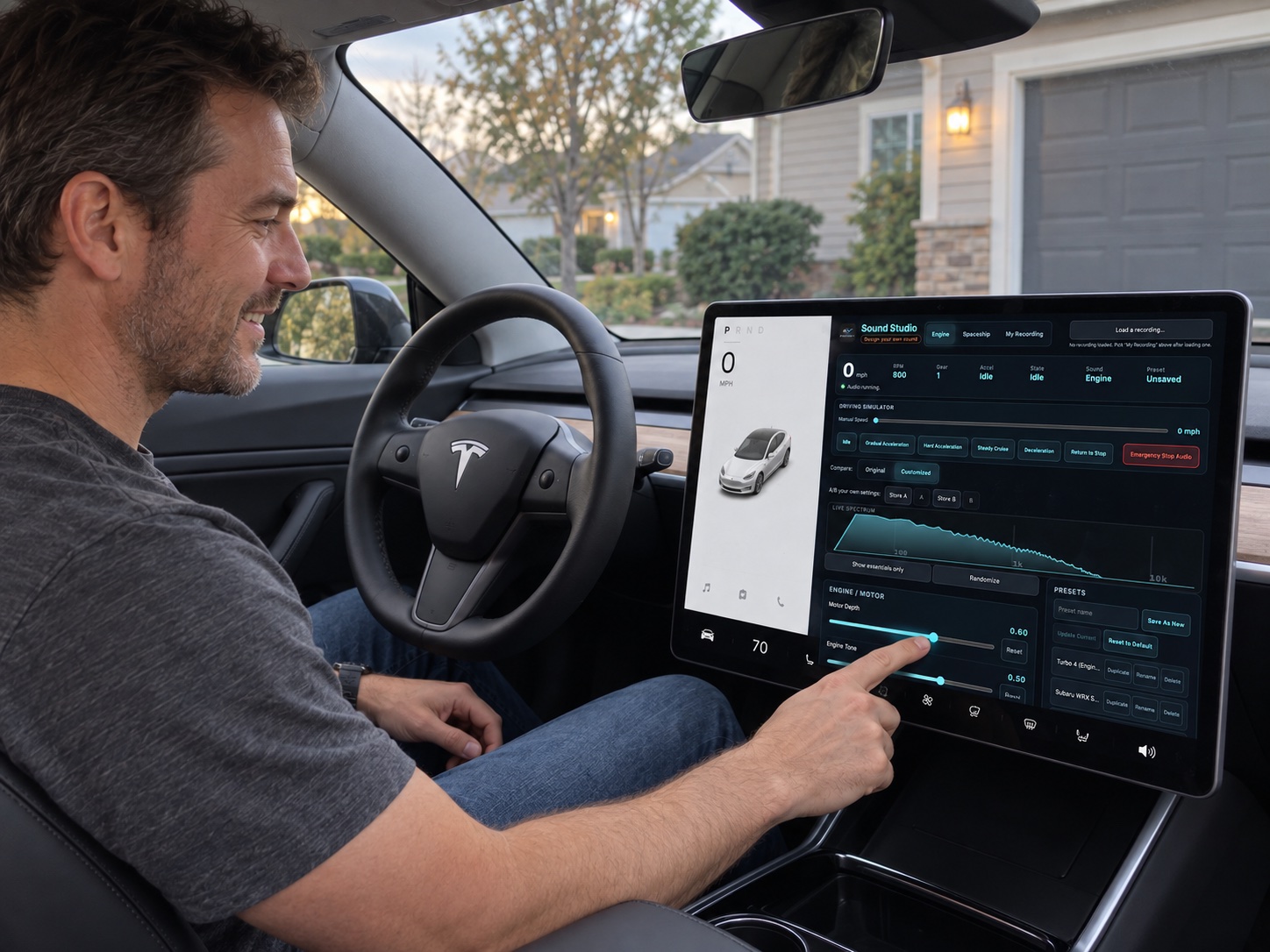
Start with a sound you love, then make it your own. Shape your custom sound in Sound Studio, save it, and give your next drive a signature nobody else has.
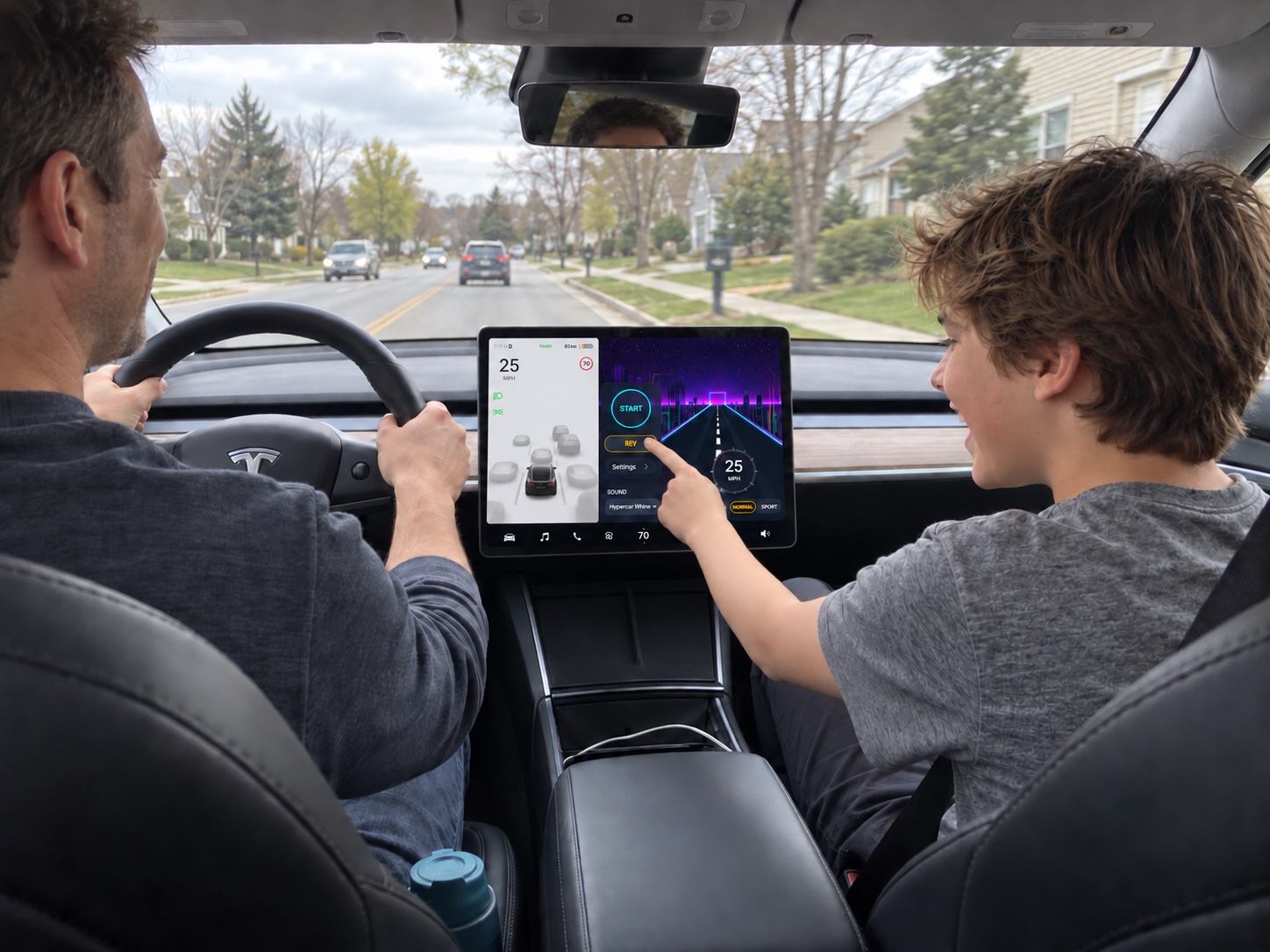
Even the school run can feel like a space mission.
Give the kids something new to smile about. From futuristic hums to sci-fi warp drives, turn familiar journeys into little adventures you can enjoy together.
While parked, open the app launcher on your Tesla touchscreen and select Browser. Make sure the car has an internet connection.
02
Go to EVSoundFX.com
Type EVSoundFX.com into the address bar and open the site. Tap Open sound hub, then bookmark the hub for next time.
03
Enter your subscription email
Tap “Already subscribed? Restore access”, enter the same email you used at Stripe checkout, then tap Restore. No password needed.
New here? Choose a monthly or yearly plan first. An active subscription is required to unlock the hub.
04
Choose a sound. Tap Start.
Pick your sound and scene, allow location access if prompted, and set your volume. Your EV Sound FX experience is ready to explore.
Browser, GPS, and audio availability vary by Tesla model and software. If needed, use a compatible phone browser connected to your car’s Bluetooth audio. Complete setup while parked.
ONE SUBSCRIPTION. EVERY SOUND.
Big feeling. Small commitment.
Pick your plan. Get the whole EV Sound FX experience.
Monthly
KEEP IT FLEXIBLE
$9.99/ month
A new soundtrack, one month at a time.
Every sound in the library
10 animated scenes & driving HUDNEW
Sound Studio — create your own
New sounds and updates included
Billed $9.99 USD each month. Cancel anytime.
THE LONG-DRIVE CHOICE SAVE 33%
Yearly
BEST VALUE
$79.99/ year
About $6.67/month. A full year of possibility.
Every sound in the library
10 animated scenes & driving HUDNEW
Sound Studio — create your own
New sounds and updates included
Billed $79.99 USD each year. Cancel anytime.
Secure checkout with Stripe · Renews until canceled
THE SOFTWARE ALTERNATIVE
Skip the big hardware commitment.
Dedicated exterior systems can carry four-figure hardware prices. EV Sound FX starts at $9.99/month using the audio you connect.
See the comparison
For example, Maxhaust lists its Tesla Model 3 Active + Custom Sound set at €1,241 including VAT, plus shipping, as checked September 10, 2026. Currency, equipment, installation, and capabilities differ. EV Sound FX is browser-based software and does not include exterior speakers or control Tesla’s factory pedestrian speaker. View manufacturer pricing ↗
BEFORE YOUR FIRST REV
A few good questions.
How does EV Sound FX work?
EV Sound FX runs in your browser and uses GPS speed to shape its sound. Choose a sound, connect your audio, allow location access, and press Start. Keep the tab and screen active; backgrounded browsers can pause audio or sensors.
Do the backgrounds move with my speed?
Yes. Pick from 10 animated scenes: Canyon, Coast, Alpine, Neon, Halloween, Star Flyby, Galaxy, Aurora, Plaid and Portal. The scenery follows your real GPS speed, so the road stands still when you stop and rushes past as you speed up. Prefer something calmer? Choose one of the six still backgrounds instead.
Does it work with other EVs or other vehicles?
Yes! EV Sound FX can be used in any vehicle through a compatible phone or tablet browser with GPS and a connected audio device. Electric, hybrid, or gas-powered — you can bring your own soundtrack. Tesla makes getting started especially intuitive thanks to its built-in browser, which lets you open EV Sound FX directly on the touchscreen where supported. Other vehicles can use a phone or tablet connected to their audio system or a separate Bluetooth speaker.
Does the sound play inside or outside the car?
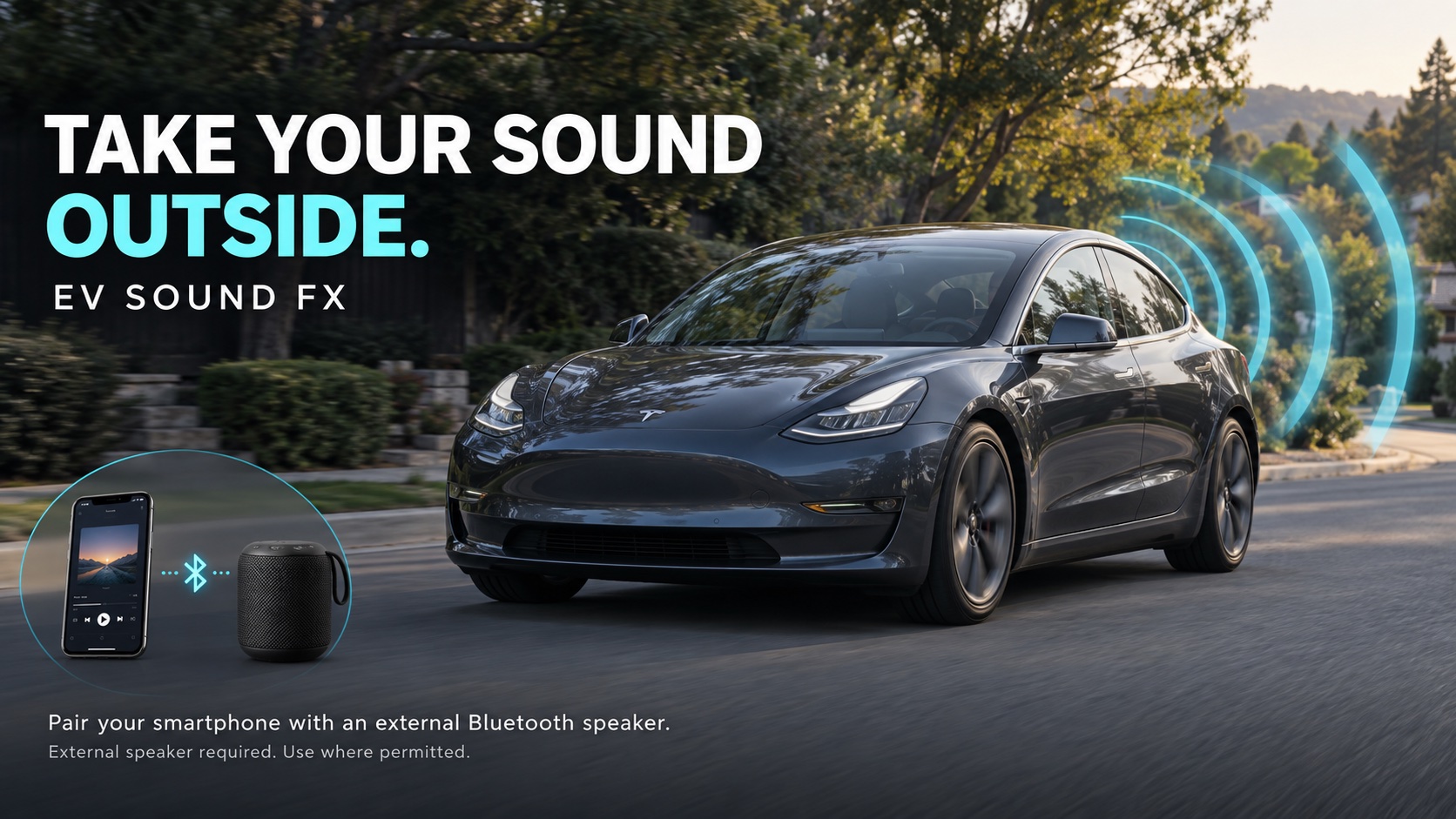
Audio plays through the device or speaker you connect. For cabin sound, use a compatible car audio connection. For outside sound, you need a separate external speaker. EV Sound FX does not control Tesla’s built-in pedestrian warning speaker.
Can I try it before subscribing?
Yes. Use the free preview above: select a sound, press Play, then hold Rev. No account or payment is needed for the preview. Your subscription unlocks the full experience in the main hub.
How do I open it on my Tesla screen?
While parked, open your Tesla’s Browser and visit EVSoundFX.com. Tap Open sound hub, then “Already subscribed? Restore access,” enter the email used for your active subscription, and tap Restore. Then choose a sound and press Start. Browser, GPS, and audio availability vary by model and software; you can also use a compatible phone browser connected to the car’s Bluetooth audio.
Do I need a password or another subscription for my Tesla?
No password is needed. Use Restore access with the same email you entered at Stripe checkout. An active subscription unlocks access in that browser; you do not need to buy a second plan just to restore it on the Tesla screen.
What’s included, and can I cancel?
Both plans include the sound library, driving scenes and HUD, Sound Studio, and updates. Monthly is $9.99 USD per month; yearly is $79.99 USD per year. Subscriptions renew automatically until canceled. Use Manage subscription in the main hub to manage billing.